
Free gift with purchase app for Shopify
Set the threshold, pick the product you give. The bar counts down to it, and the gift joins the cart the moment the shopper gets there — in the cart, the cart drawer, the product page and the checkout.
Announced first, added after.
Before / after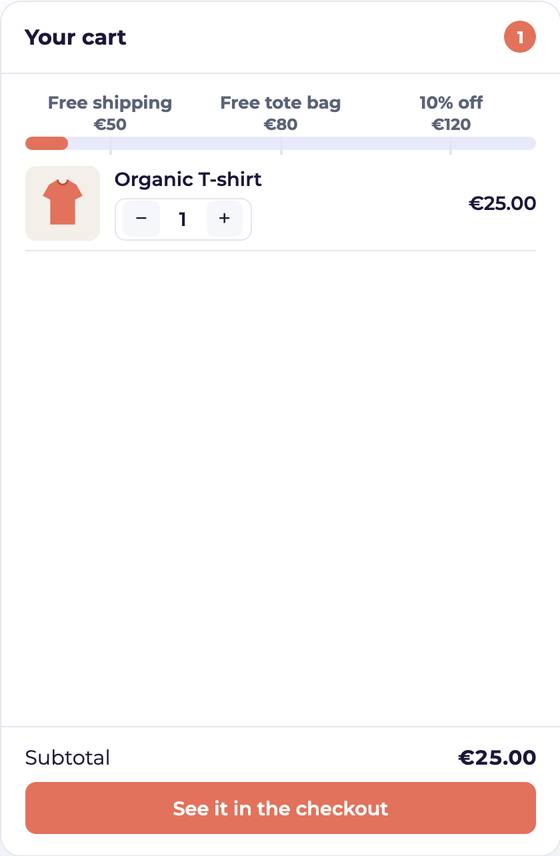 Before · the gift is announced
The gift sits on the ladder from the first item: the shopper knows what €80 unlocks before adding anything.
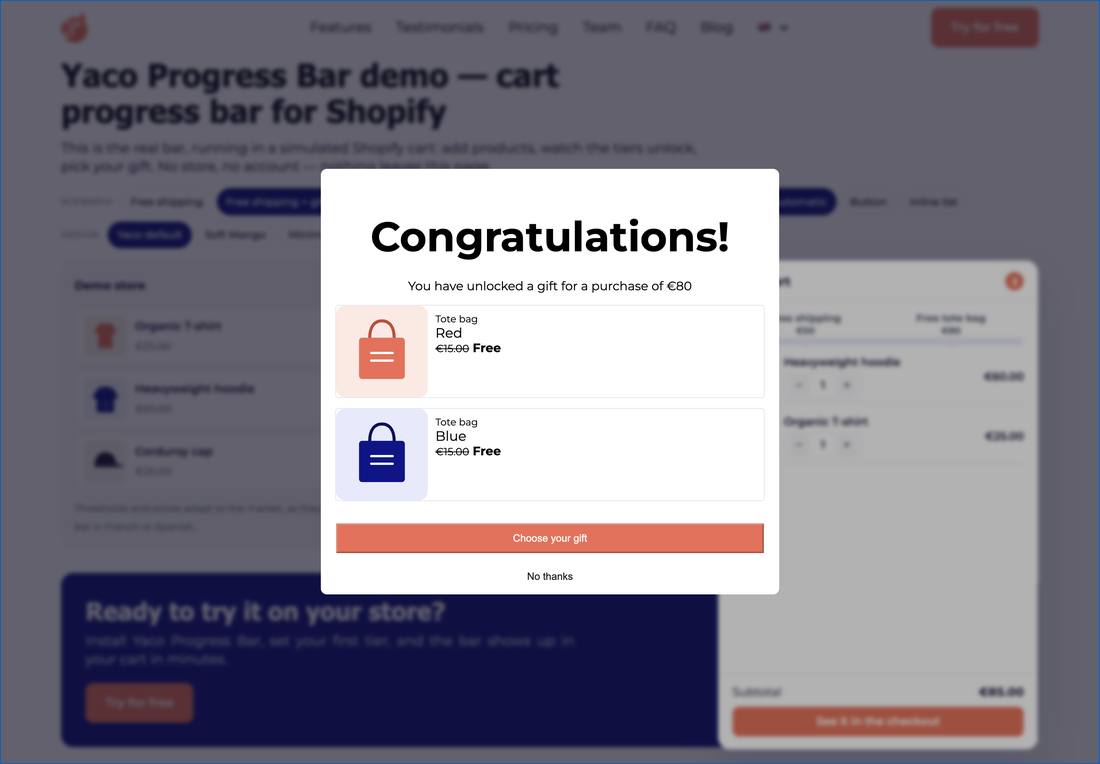 After · the shopper picks a variant
At the threshold the gift goes into the cart at zero, and the chooser opens on its variants — size, colour, flavour.
Three ways to hand over the gift.
Added, then chosen
The gift drops into the cart on its own and the chooser opens on its variants. The shopper has nothing to click to get it.
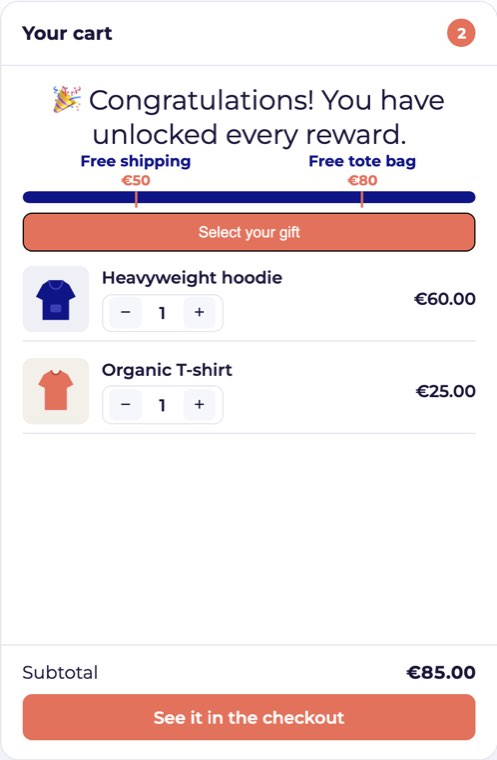
A “Choose a gift” button
The bar waits: the shopper opens the chooser when they want to. You keep control of the moment the line is added.
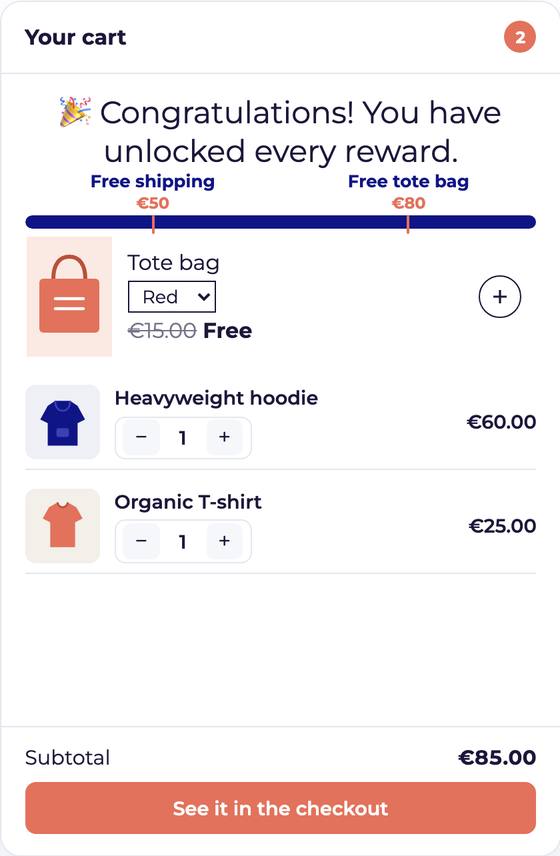
The list inside the bar
The gifts are listed in the bar itself, without a modal. The shopper picks one where they already are.
A tier that reads the customer, not the cart.
A threshold can count what a customer has already spent on your store, or how many orders they have placed. The reward then lands on the fifth order, not on the fiftieth euro of this cart.
VIP thresholds →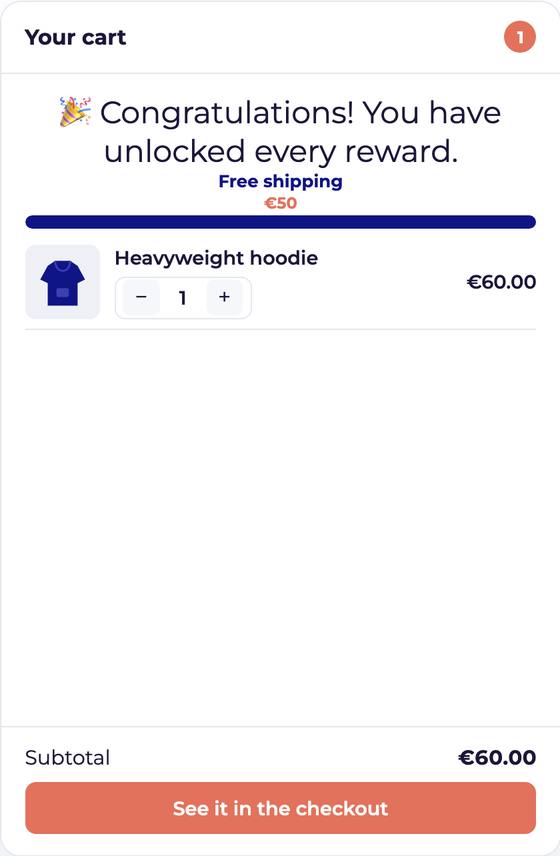
Free gift with purchase, the questions.
Is the gift really free for the shopper?
Yes. The line enters the cart and a discount created by the app brings it to zero, so the order keeps a trace of the tier that gave it — no manual price change.
Can the shopper choose between several gifts?
Yes. You list the products or the variants you offer, and the shopper picks one in the modal, in the button, or in the list inside the bar.
What happens if the cart drops back below the threshold?
You decide: the gift is removed on its own, or it stays. The removal amount can even be lower than the amount that unlocked it, so a small change of mind does not take the gift away.